Version 2.0 now available
Test smarter.
Ship faster.
Automate API and database testing with business-flow suites, scheduled execution, and team collaboration -- all in one platform.
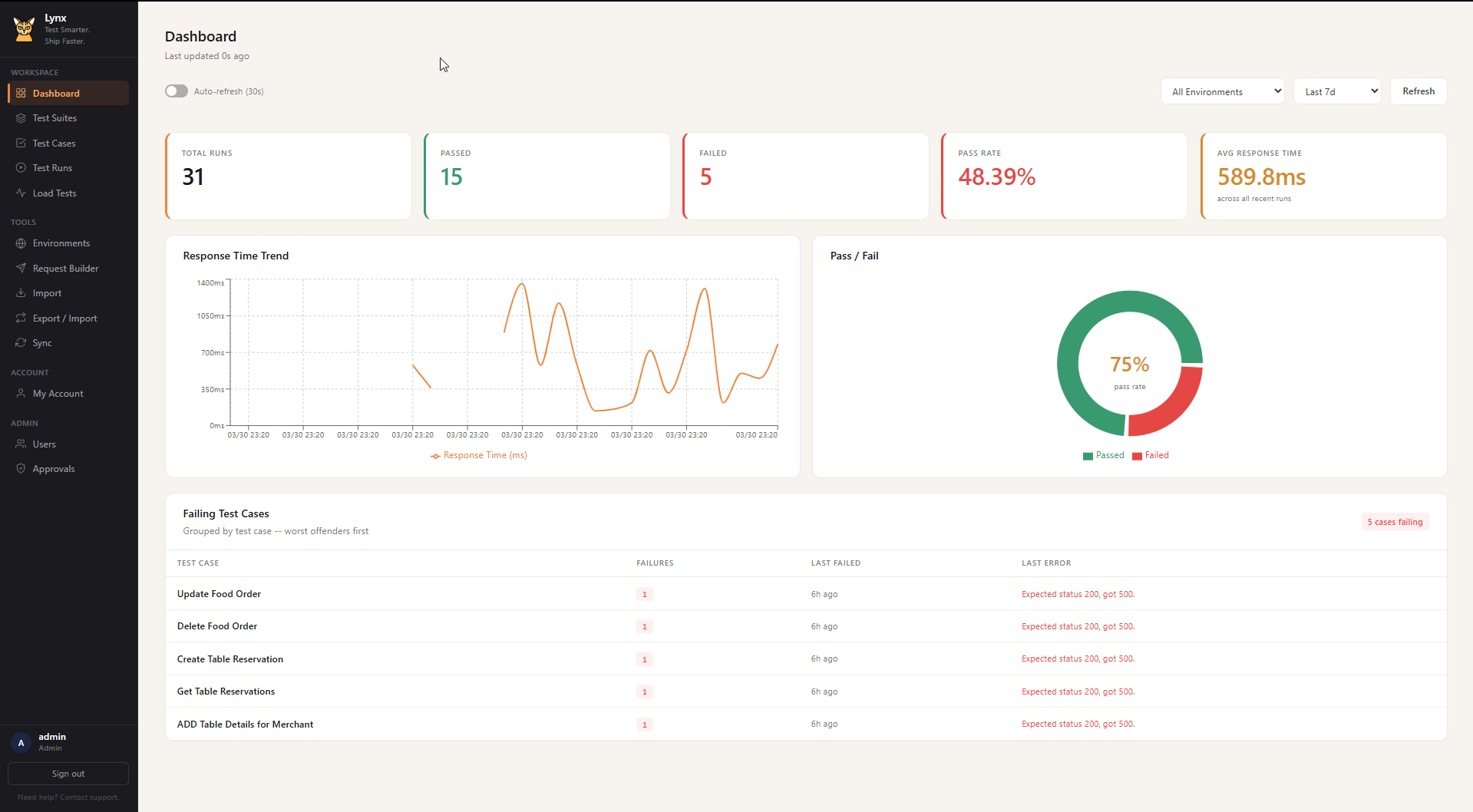
Automate API and database testing with business-flow suites, scheduled execution, and team collaboration -- all in one platform.
From single API calls to full business-flow suites with database validation.
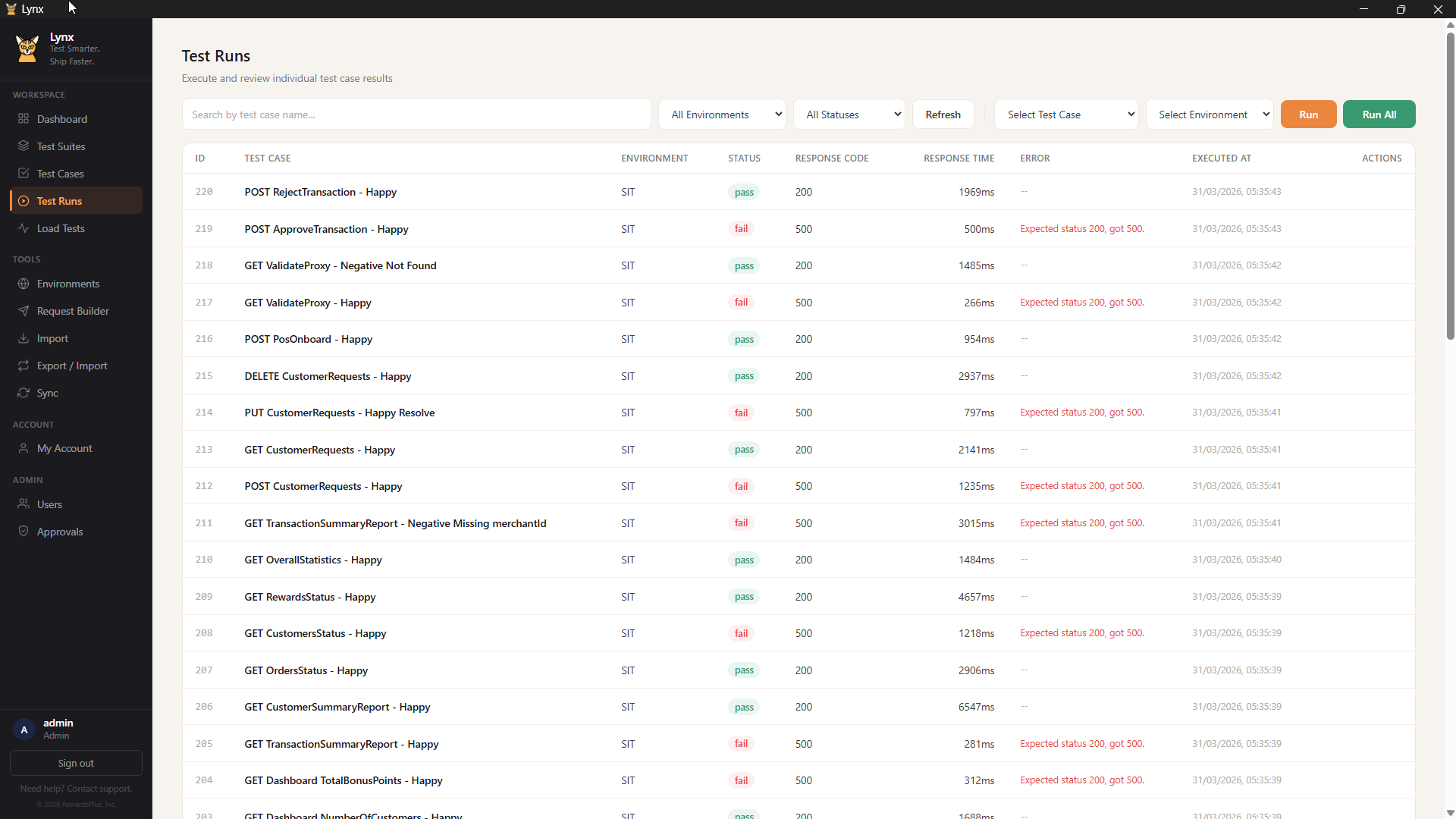
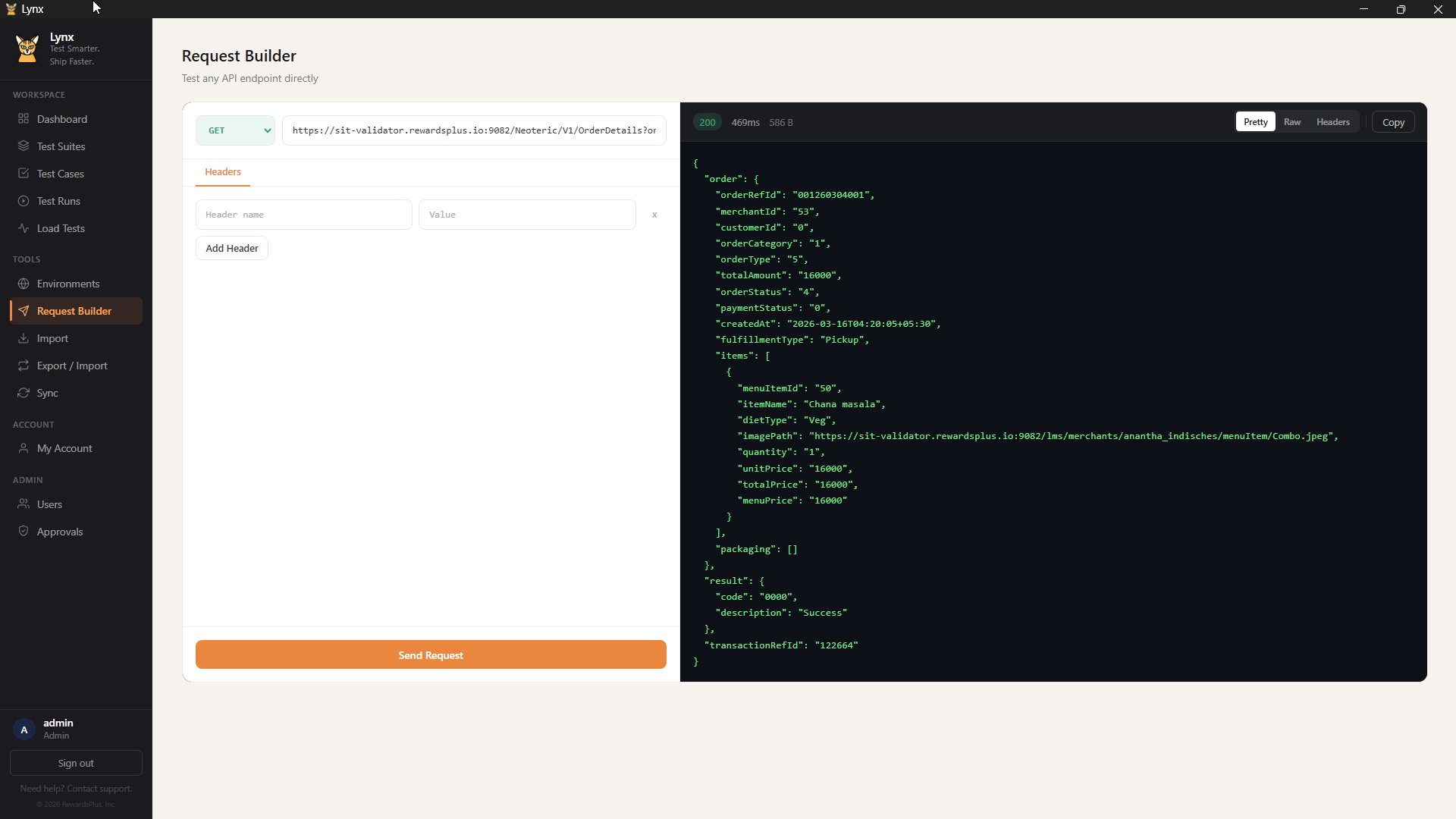
Create, organize, and run API tests with a Postman-like request builder. Folder grouping, tags, and bulk operations.
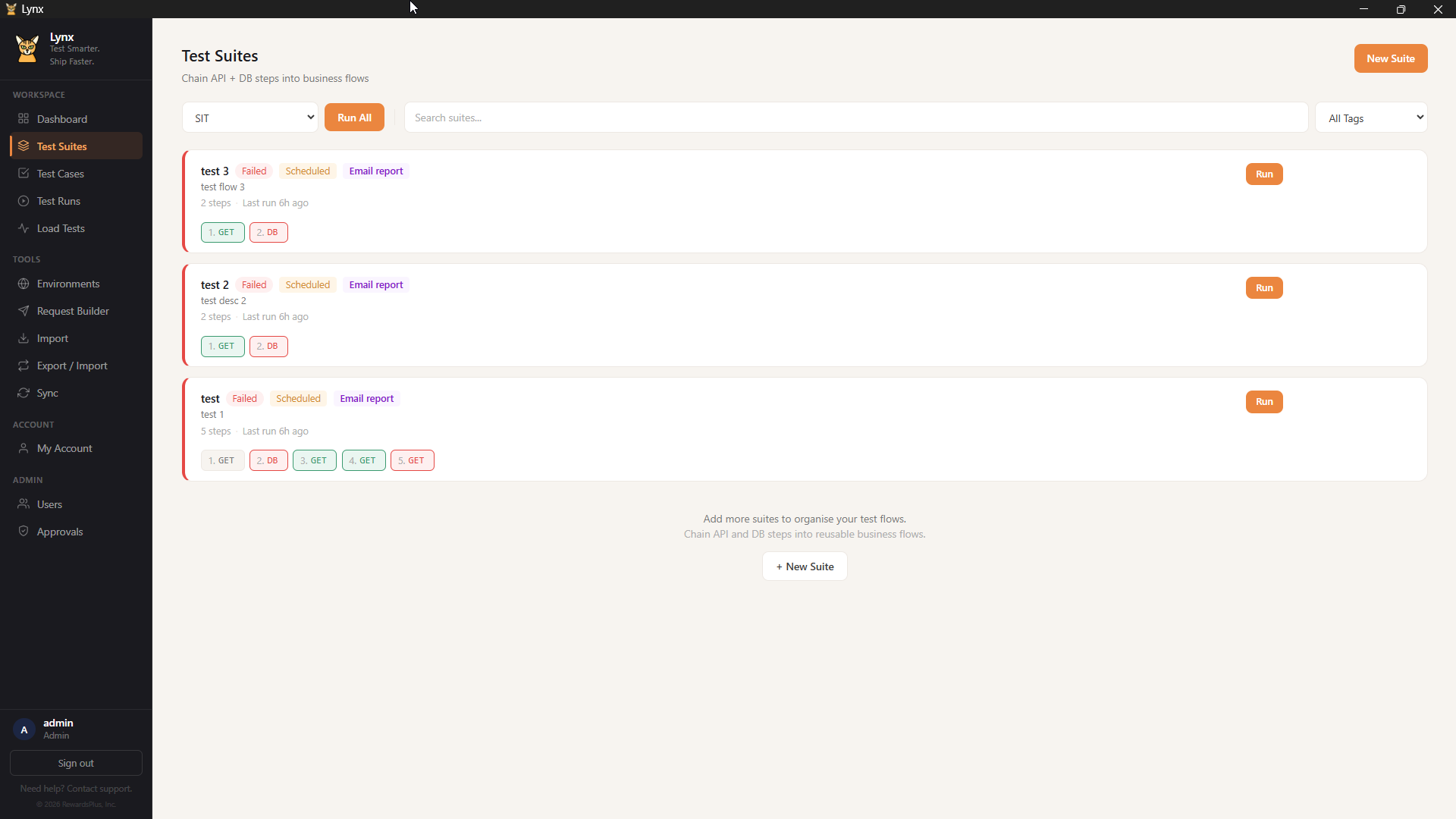
Chain API and DB steps into ordered flows with variable passing. Suites run as automated sequences.
Run SQL queries against MySQL or PostgreSQL after API calls. Validate data integrity automatically.
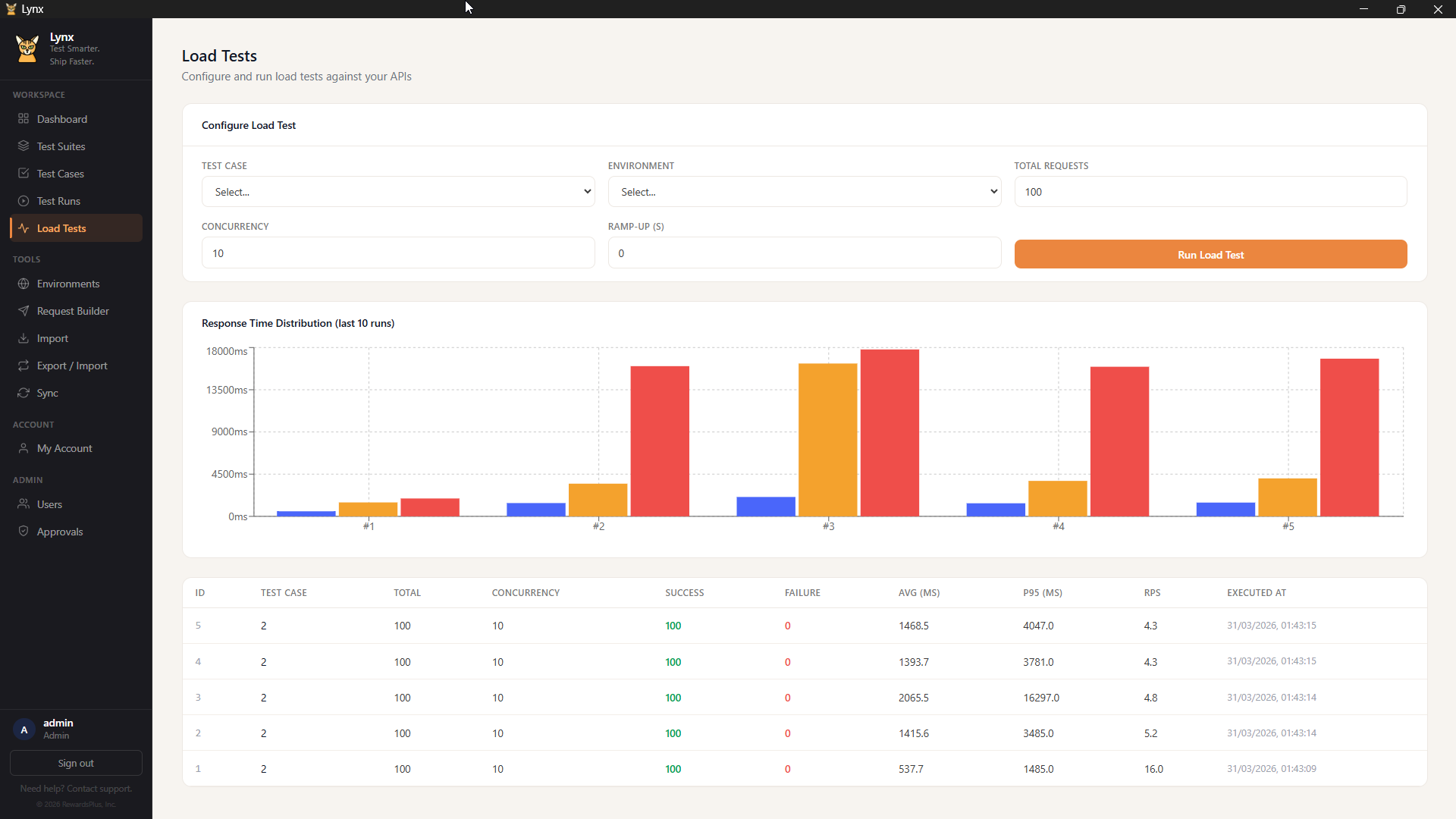
Configure concurrency, ramp-up, and request count. Get P95 response times, RPS, and error breakdowns.
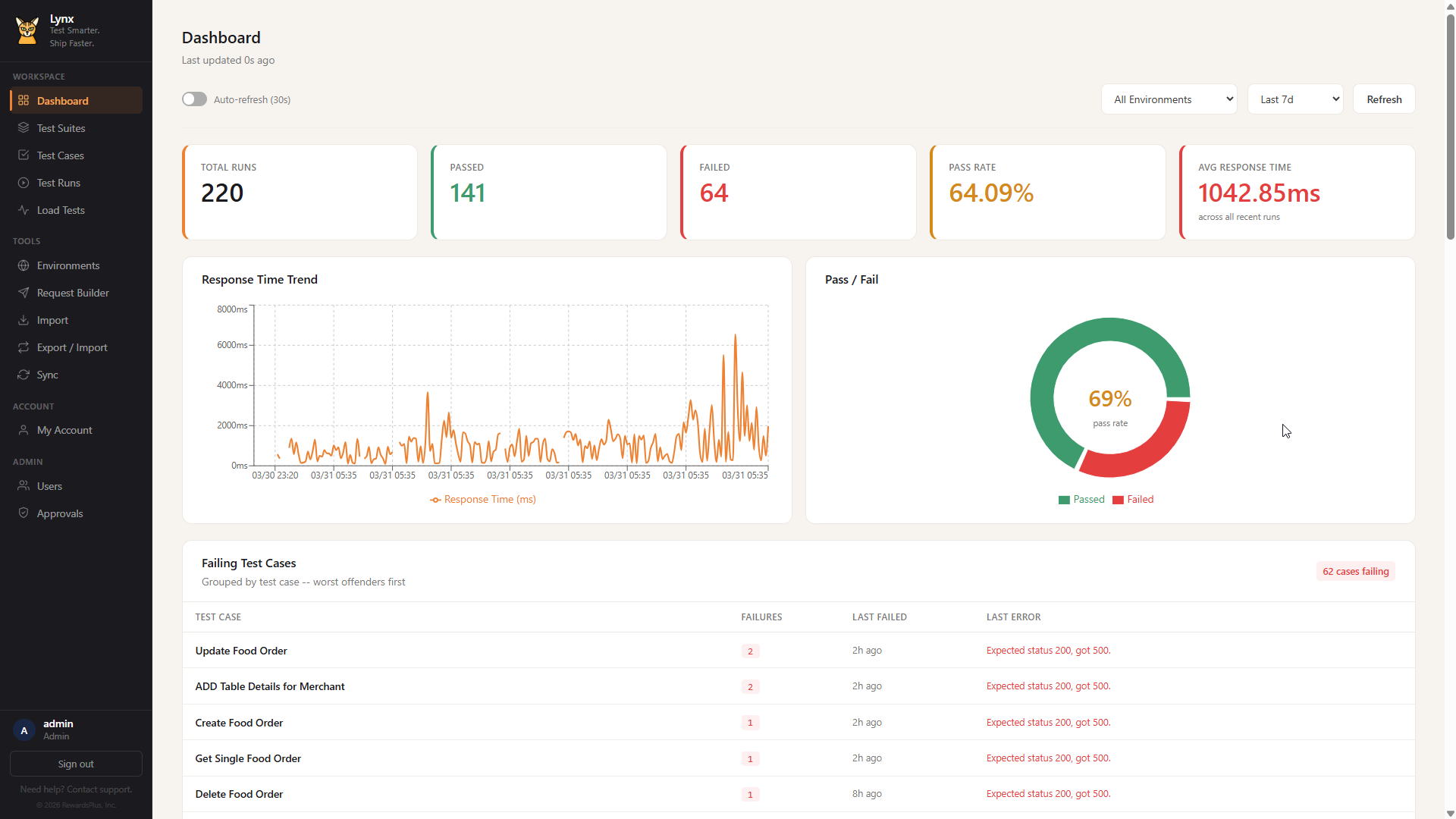
Five metric cards with health-based colors, response time trends, pass/fail donut chart, and failing test analysis.
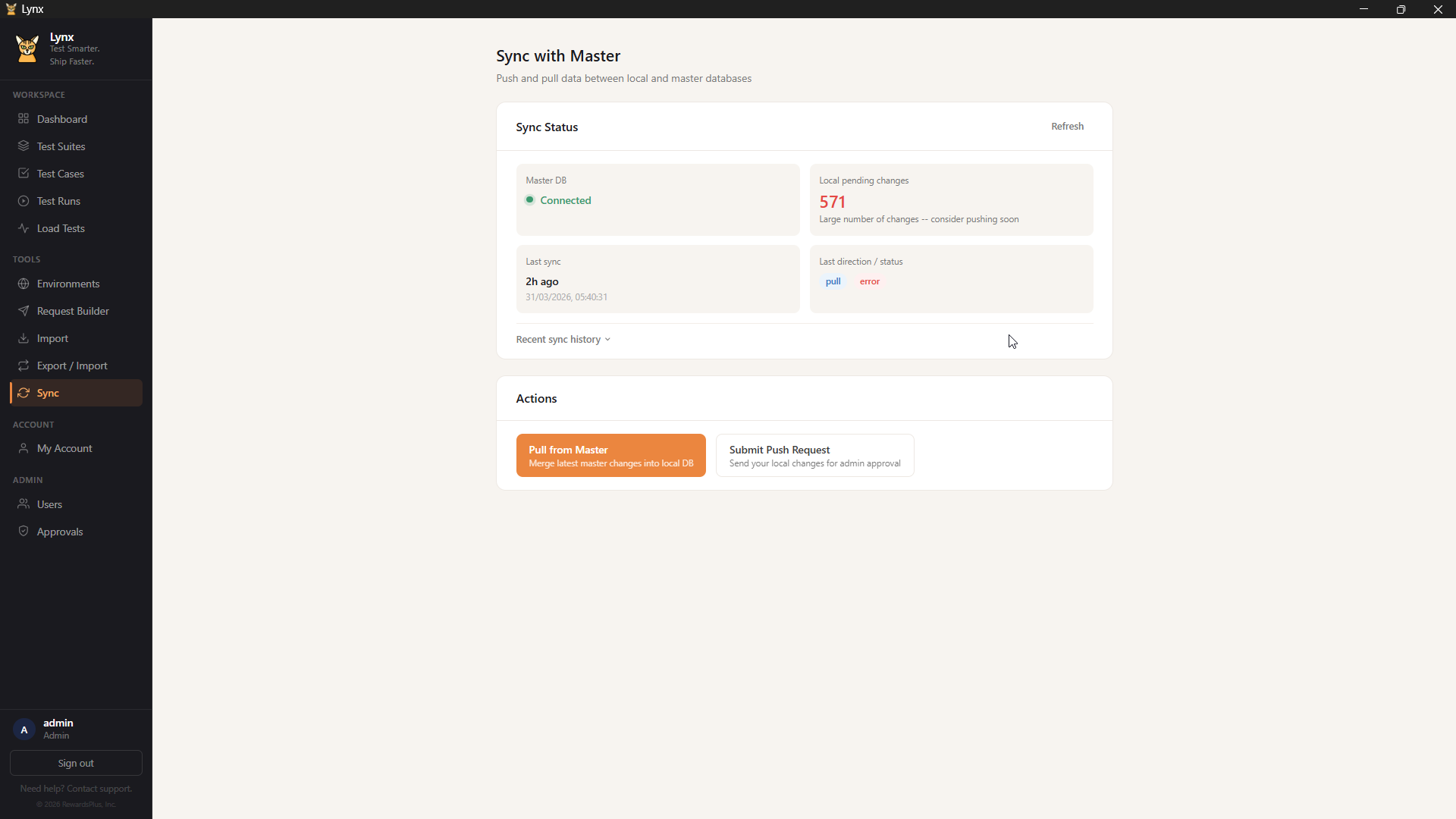
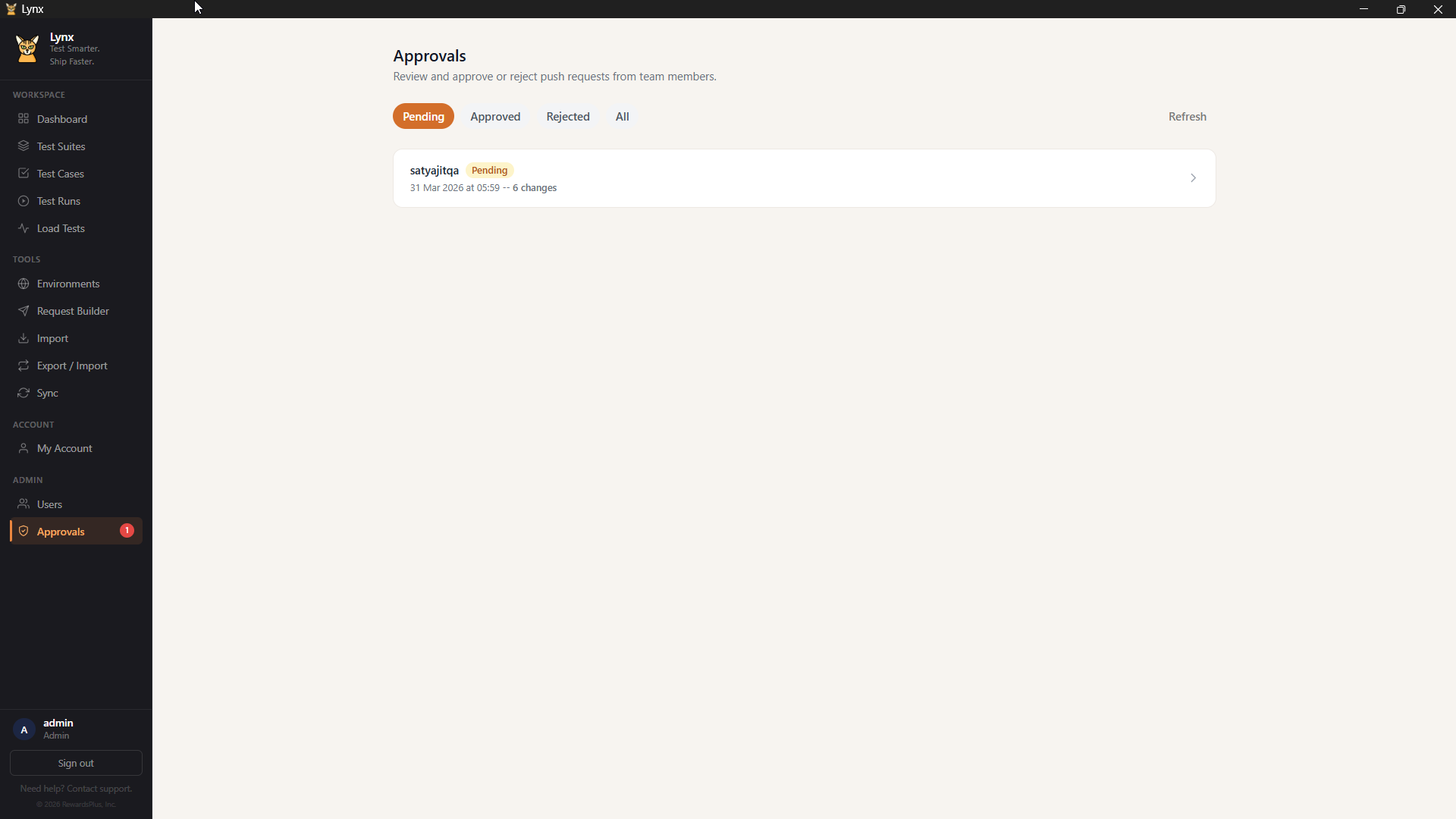
Sync data across machines via MySQL. Push/pull workflow with admin approval. Role-based access control.
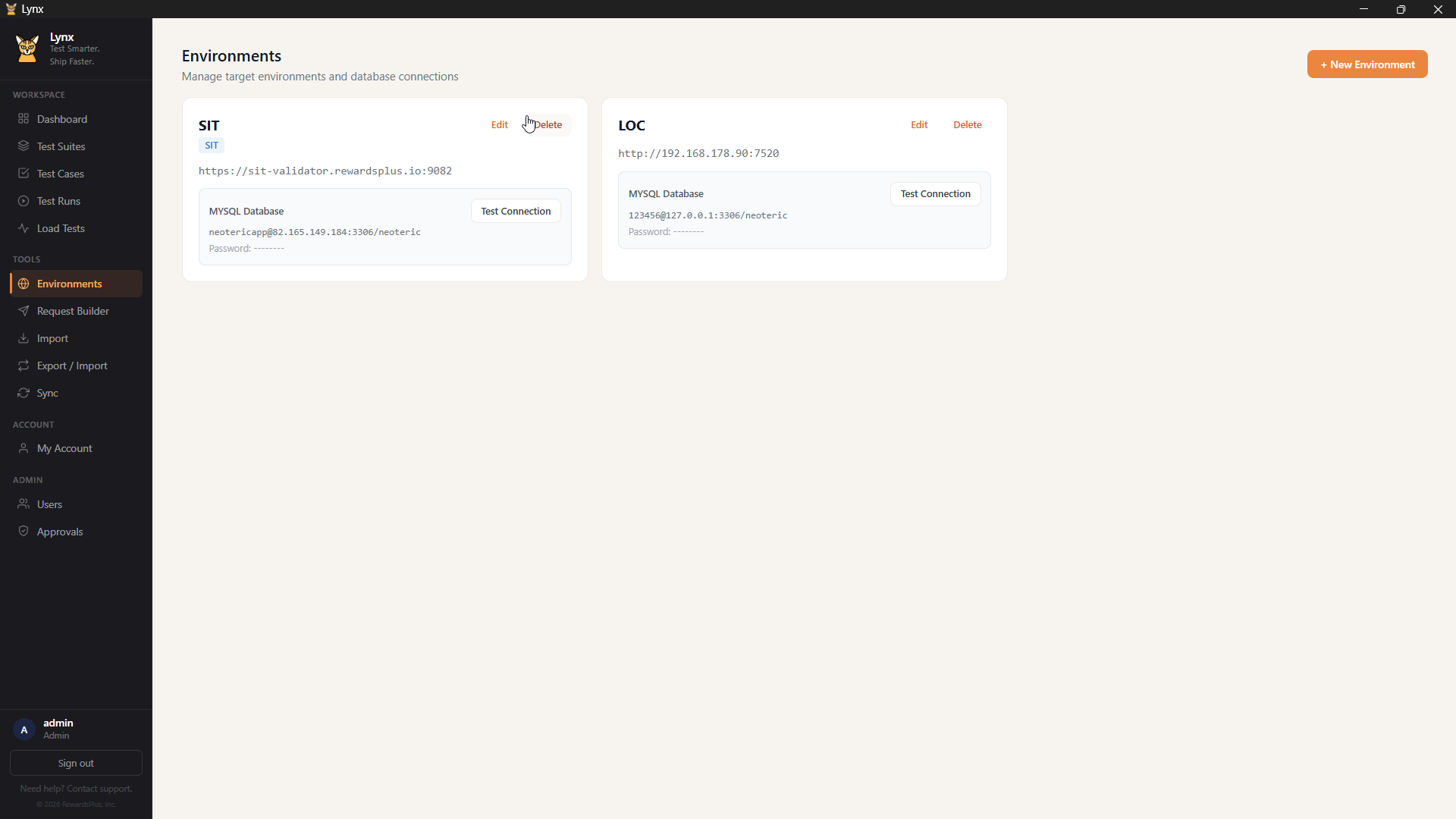
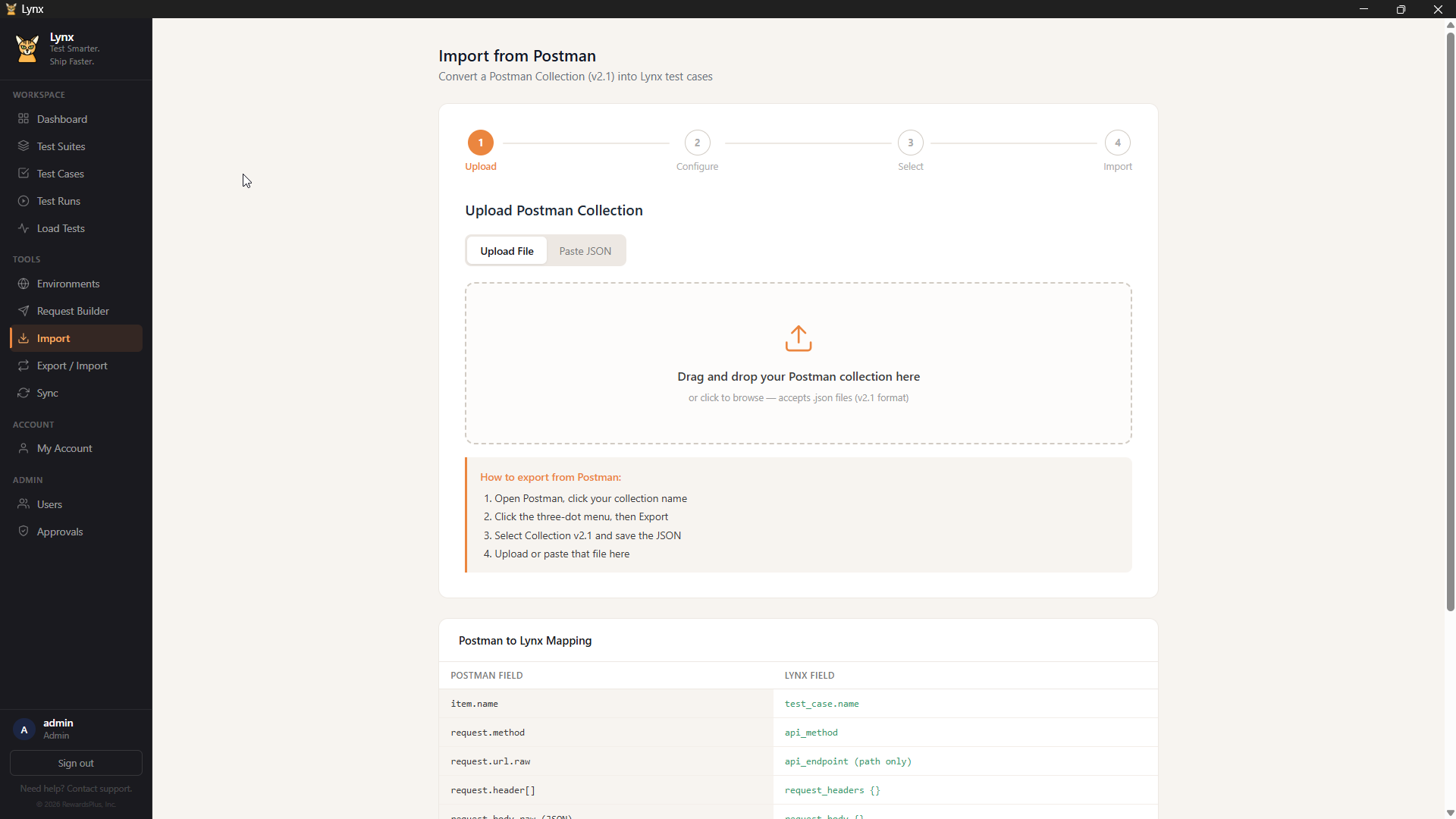
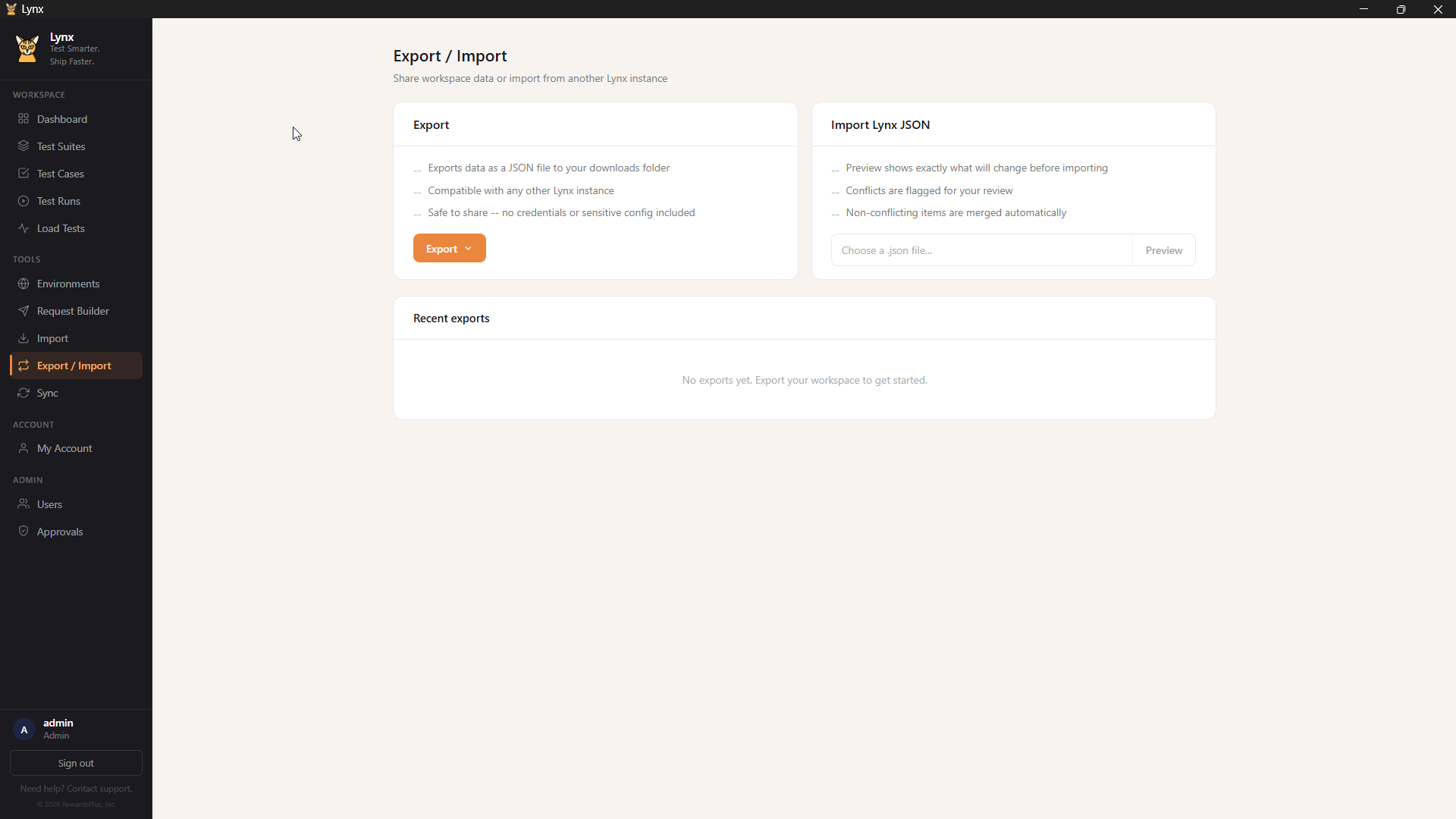
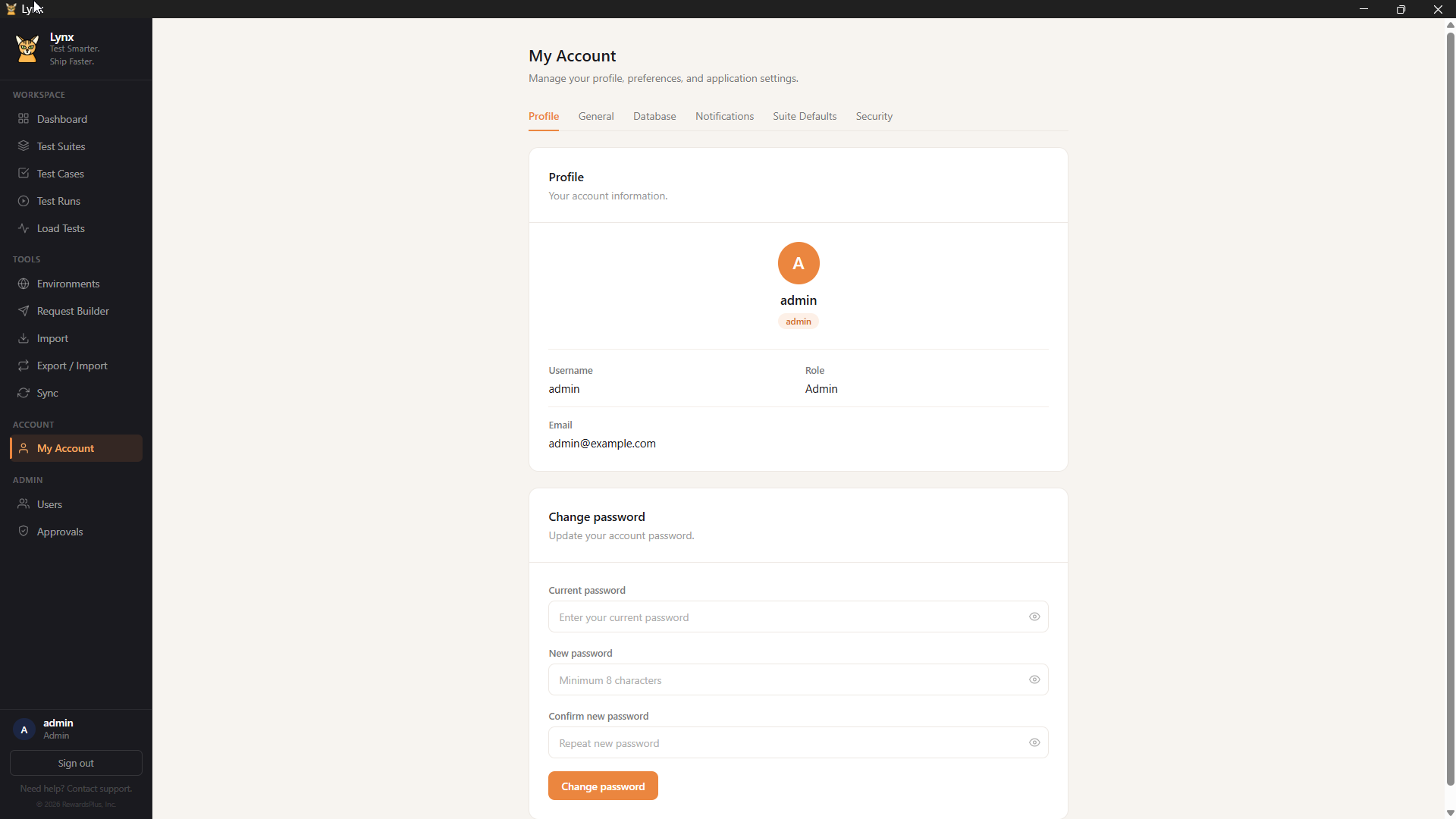
Every screen is designed for clarity and speed. Click any image to enlarge.
No server setup required. Install, launch, start testing.
Download the installer and run it. One-click setup on Windows 10 or 11. No dependencies to install manually.
Solo mode works immediately with no configuration. Team mode connects to a shared MySQL database for collaboration.
Create test cases, build suites, run against your environments. Import existing Postman collections to get started fast.
Start solo and upgrade to team when you are ready. No data migration needed.
Everything stays on your machine. Perfect for individual QA engineers.
Sync data across your entire QA team. Shared projects and approval workflows.
Download Lynx for free. Solo mode works out of the box -- no account required.
Download for Windows